
V3 Game APK Not Working? Fixes for Install, Loading and Login Problems
If your V3 Game APK is not working, find your symptom in the table below and follow the fix. Each one takes a few minutes and needs nothing more than your phone's settings — no extra apps and no "cleaner" tools.
Key takeaways
- Most install errors come from low storage, an incomplete download or a second, differently signed copy.
- Most loading errors are connection problems: switch networks, turn off VPN and update the app.
- Most login errors come from a different number, a typo in the password or an outdated app version.
Quick fix table
| Symptom | Likely cause | First fix |
|---|---|---|
| "App not installed" | Low storage, incomplete download or another copy installed | Free space, download again, uninstall the other copy |
| "Problem parsing the package" | Damaged file or old Android | Download again; check Android 6.0+ |
| Download won't start | Browser blocking downloads or data saver | Allow downloads, try Chrome |
| Crashes on open | Damaged cache or low memory | Restart the phone, clear cache |
| Stuck on loading | Weak connection or old version | Switch network, update the app |
| "Network error" | No internet, VPN or busy servers | Switch network, turn off VPN, retry |
| Wrong password | Different number or typo | Check the number, reset the password |
| Verification code won't load | Slow connection | Tap the picture, reopen the screen |
| OTP not received | SMS blocked or wrong number | Wait a minute, check the number and SMS filters |
| Logged out after update | Normal after some updates | Log in with the same number and password |
Why does my V3 Game APK say "App not installed"?
Android shows "App not installed" when it can't finish the install. The three usual causes are not enough free storage, an incomplete download, or a copy of V3 Game already on the phone that was signed differently — for example, one downloaded from another site. Each cause has a quick fix, listed below in order.
- Free up storageKeep at least twice the APK size (28 MB) free. Delete old videos or unused apps.
- Download againDelete the old file and download it again on a stable connection from the V3 Game APK download page.
- Remove the other copyGo to Settings → Apps → V3 Game → Uninstall, then install the new file. Your account stays on the servers.
- Restart and retryRestart the phone and open the downloaded file again.
Why won't the V3 Game APK download or open?
If the download won't start, your browser or a data-saver mode is usually blocking it. If the app installs but closes straight away or freezes, the cause is usually a damaged cache, too little free memory, or an Android version older than the app supports. Restarting the phone fixes more of these than you'd expect.
The download won't start
- Check that your browser is allowed to download files.
- Turn off data saver or ad-blocking modes for a moment.
- Try again in Chrome.
The app crashes or closes on open
- Restart the phone.
- Go to Settings → Apps → V3 Game → Storage and tap Clear cache (not Clear storage).
- Check that your phone runs Android 6.0 or newer in Settings → About phone.
- Uninstall and install the latest version — you'll only need to log in again.
Stuck on the loading screen
This is almost always a connection problem. Use the network fixes below, or read the V3 Game online APK guide for a full explanation.
Network errors and timeouts
- Switch networksTry mobile data instead of Wi-Fi, or the other way round.
- Turn off VPN and data saverThey often block or slow the connection to the game servers.
- Restart the appClose it from the recent-apps screen and open it again.
- UpdateInstall the newest build using the V3 Game APK latest version guide.
Why can't I log in to the V3 Game APK?
Most login failures come from three things: using a different mobile number from the one you registered with, a typo in the password (including capital letters), or an outdated app version that the servers no longer accept. Check those first. If the details are right and it still fails, reset your password if the login screen offers it.

Wrong password
Check the number, then type the password slowly, watching for capital letters and an auto-filled space at the end. Use the forgot-password option if the app shows one; otherwise contact V3 Game's in-app support.
The verification code won't load or is rejected
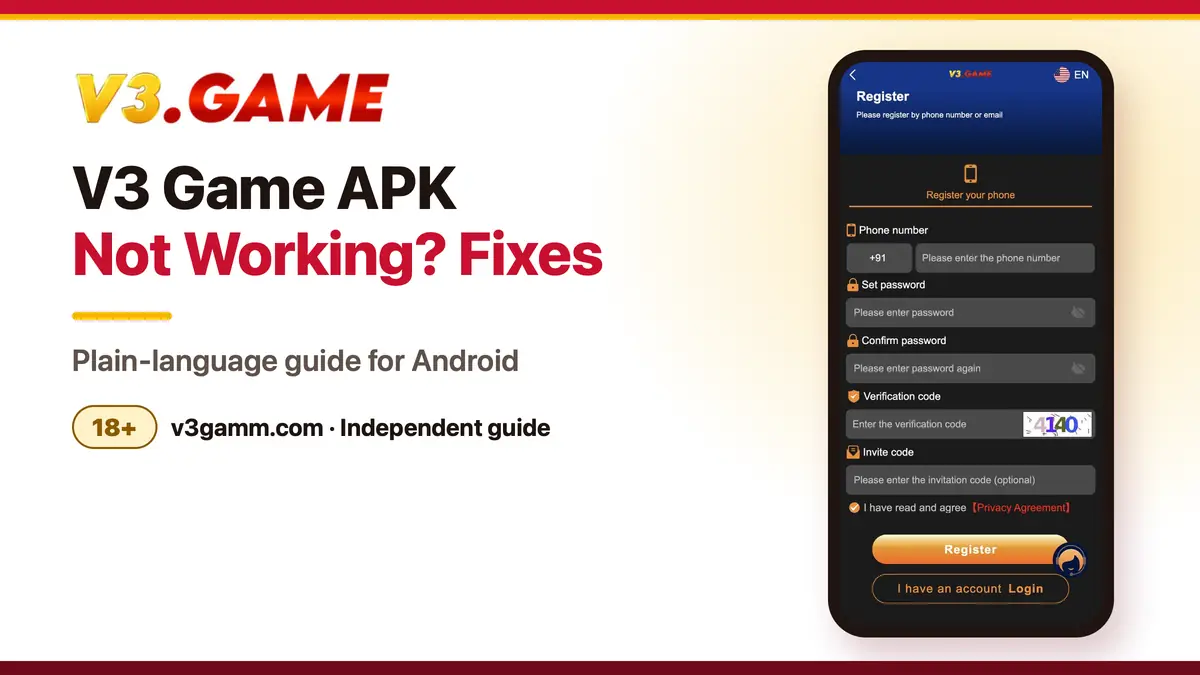
The register screen uses a picture code. Tap the picture to load a new one, type the characters exactly as shown, or close and reopen the screen on a better connection.
The OTP doesn't arrive
Wait about a minute before asking again, check the number you typed, and make sure SMS from unknown senders isn't blocked. Never forward an OTP to anyone.
Logged out after an update
That's normal after some updates. Log in again with the same number and password — your balance and history are still there. If you're using an old 2022 build, read the V3 Game APK login old version guide first.
If it still isn't working
- Reinstall the latest version from the V3 Game APK download page.
- Read the full V3 Game login APK guide for registration details.
- On an iPhone? The APK can't install there — see the V3 Game iOS guide.
- For account, deposit or withdrawal problems, contact V3 Game's customer service from inside the app. v3gamm.com is an independent guide and is not the operator of the V3 Game app.
V3 Game APK not working FAQ
Why is my V3 Game APK not installing?
Usually low storage, an incomplete download, or another copy of V3 Game already installed with a different signature. Free space, download again, and uninstall the other copy first.
Why does V3 Game keep crashing?
A damaged cache or low memory is the usual cause. Restart the phone, clear the app's cache in Settings → Apps → V3 Game → Storage, and reinstall the latest version if it continues.
Why is V3 Game stuck on loading?
Almost always a weak or blocked connection. Switch between Wi-Fi and mobile data, turn off any VPN or data saver, and update the app.
Why can't I log in to V3 Game after updating?
Some updates log you out. Log in again with the same mobile number and password. If it still fails, reset the password or contact in-app support.
Why isn't my V3 Game OTP arriving?
Check the number you entered, wait about a minute before requesting again, and make sure SMS from unknown senders isn't blocked on your phone.
Will reinstalling V3 Game delete my balance?
No. Your account and balance are stored on V3 Game's servers. After reinstalling, log in with the same number and password.
Most cases of the V3 Game APK not working come down to storage, connection or an out-of-date version, and the fixes above solve them in minutes. Keep the app updated, keep your login private, and play responsibly. Back to the V3 Game home page.


