
V3 Game Online APK: Why It Needs Internet and How to Fix Network Errors
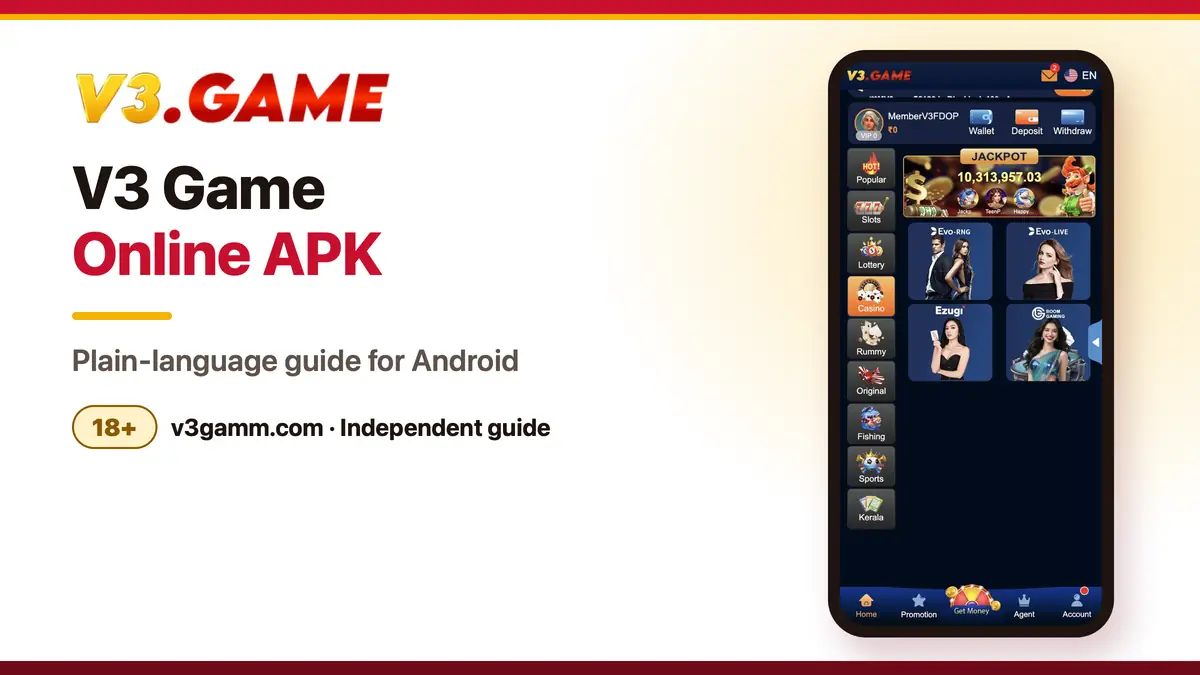
"V3 Game online APK" searches usually come from two questions: does the app need internet, and is there a way to play online without installing anything? This guide answers both, explains what uses your data, and shows how to fix network errors.
Key takeaways
- V3 Game is online-only: logins, game rounds and the wallet all run on its servers.
- Live casino tables stream video and use the most data; lottery rounds such as Win Go use very little.
- Most "network error" messages are fixed by switching networks, turning off VPN or data saver, or updating the app.
Does the V3 Game APK need internet?
Yes. The V3 Game APK is only a front end: your login, every game round, every result and your wallet balance are handled by V3 Game's servers. Without a working internet connection the app can't log you in or load games, and it has no offline mode. A stable connection matters more than a fast one.
That's also why the same account works after you reinstall, update or change phones: nothing important is stored on the phone itself.
What does "V3 Game online APK" mean?
"Online APK" usually means one of two things. Most people mean the normal V3 Game APK, which plays online once installed. Some mean a browser version that works without installing anything. We haven't found a browser version from the app's operator.
Be careful with sites that promise "V3 Game online, no download". Without a real web version from the operator, those pages are usually ads, copies or forms built to collect logins. The safe route is the APK from our V3 Game APK download page.
Which V3 Game games use the most data?
Live casino tables use the most data, because they stream real-time video from a studio. Slots and fishing games load graphics and animations, so they use a moderate amount. Lottery rounds such as Win Go, K3 and 5D mostly send small updates and results, so they use the least. Exact usage depends on your phone and connection.

- On mobile data, check real usage in Settings → Network & internet → Data usage (the menu name varies by phone).
- Set a data warning so a long session doesn't use up your daily pack.
- Close apps that stream or download in the background while you play.
Why does V3 Game say "network error"?
A "network error" means the app couldn't reach V3 Game's servers in time. The cause is usually on your side: weak signal, Wi-Fi with no real internet, a VPN or data-saver mode blocking the connection, or an outdated app version that the servers no longer accept. Occasionally the servers themselves are busy or under maintenance.
Fix it in this order
- Switch networksTurn Wi-Fi off to try mobile data, or the other way round. Open any website to check the connection really works.
- Turn off VPN and data saverVPNs, ad-blockers and data-saver modes can block or slow the connection to the game servers.
- Restart the appClose V3 Game completely from the recent-apps screen and open it again.
- Update the appOld versions can stop connecting after a server update. Install the newest build using the V3 Game APK latest version guide.
- Wait and retryIf everything else works, the servers may be busy. Try again later and check V3 Game's in-app support channels for maintenance notices.
Slow loading and timeouts
If the app opens but games load slowly or freeze in the middle of a round, the connection is usually unstable rather than completely down:
- Move closer to your Wi-Fi router or to a spot with better signal; a strong 4G or 5G signal often beats weak Wi-Fi.
- Free some storage — a nearly full phone slows every app down.
- Clear the app's cache in Settings → Apps → V3 Game → Storage → Clear cache (not Clear storage).
- Avoid live casino tables on a weak connection, because the video needs the most bandwidth.
If a round freezes after you've played, don't keep tapping. Wait for the connection to come back and check the result in your game history before playing again.
If the app won't install or open at all, that's a different problem — the V3 Game APK not working guide covers install and crash fixes. iPhone users should read the V3 Game iOS guide.
V3 Game online APK FAQ
Can I play V3 Game offline?
No. Every login, game round and wallet action goes through V3 Game's servers, so the app needs an internet connection the whole time.
Why does V3 Game keep saying network error?
Usually because of weak signal, a VPN or data-saver mode, or an old app version. Switch networks, turn off the VPN, restart the app and update to the latest version.
Is there a V3 Game online version without download?
We haven't found one from the app's operator. Sites promising "no download" play are usually ads, copies or phishing pages.
How much data does V3 Game use?
It depends on the game. Live casino video uses the most and lottery rounds such as Win Go use the least. Check your phone's data usage screen for real numbers.
Does V3 Game work on slow internet?
It may open, but games will load slowly and live tables may not play smoothly. A stable 4G, 5G or Wi-Fi connection works best.
Does a VPN help with V3 Game?
Usually not. VPNs often cause network errors or slow connections. Turn it off if you have problems.
The V3 Game online APK needs a steady internet connection for everything it does. Get the app from our V3 Game APK download page, keep it updated, and use the fixes above when the connection drops. Set your limits before you play — see responsible gaming. Back to the V3 Game home page.


